
As of February 2th 2026, the Ford DCA-8000 EU Software Revision C is available.
How to Update?
1.Connect to Wi-Fi
Make sure your DCA is connected to Wi-Fi, and you have ~30 minutes to do the update.
Once the update is available, there will be a red circle indicating there is a new Message, telling you there’s an update:
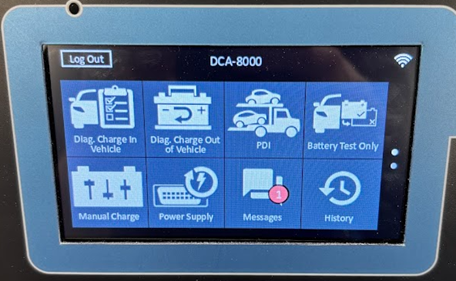
Note: There will also be a pop-up indicating there is an update asking to start the update right now.
If you want, you can either start it directly, or dismiss this pop-up and start with the next step when this suits you.
2.Start the update
Open the Messages app and choose the download icon (cloud on the right side) to start the process.
The tool will start the downloading process. Note; the screen will remain black for a while.
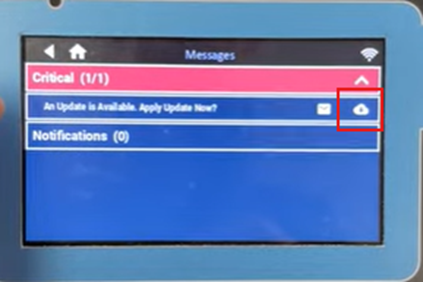
The Midtronics DCA EULA pops-up, accept it and choose Next to continue.
3.Install the update
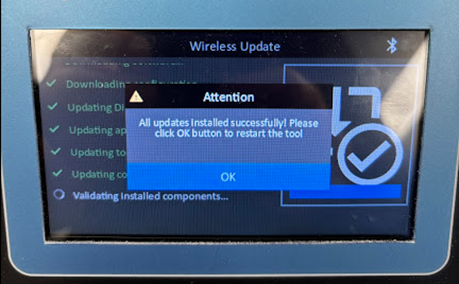
The actual Wireless Update process starts, the progress is shown on the screen.

4.Finalize the update
Once completed, the tool will inform you and ask to reboot.
Once rebooted, the update is finished and you can use the tool again.
Note: you can confirm you have the latest software via Settings -> Version Info.
For Software Revision B, the field Configuration version should include the software number followed by the letter “C” and look like: “192-412586-Cxx-xxxx”.